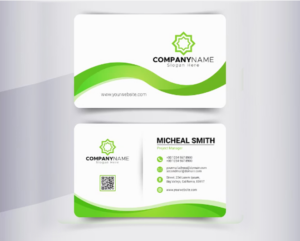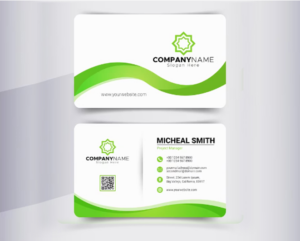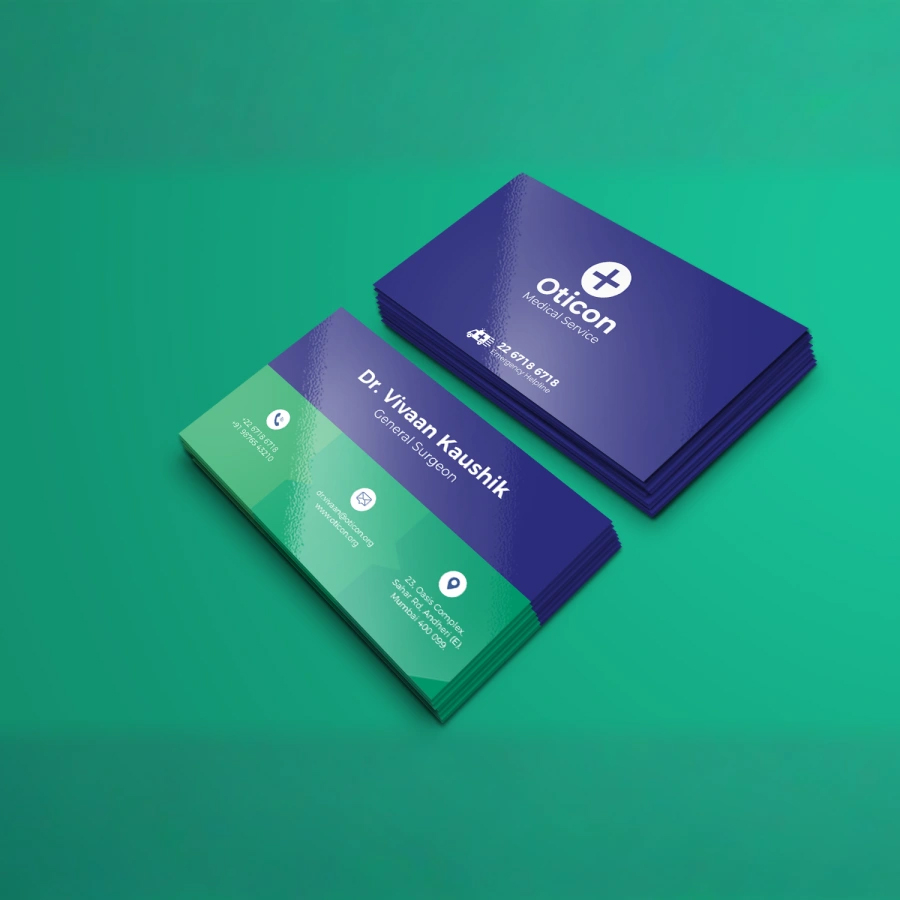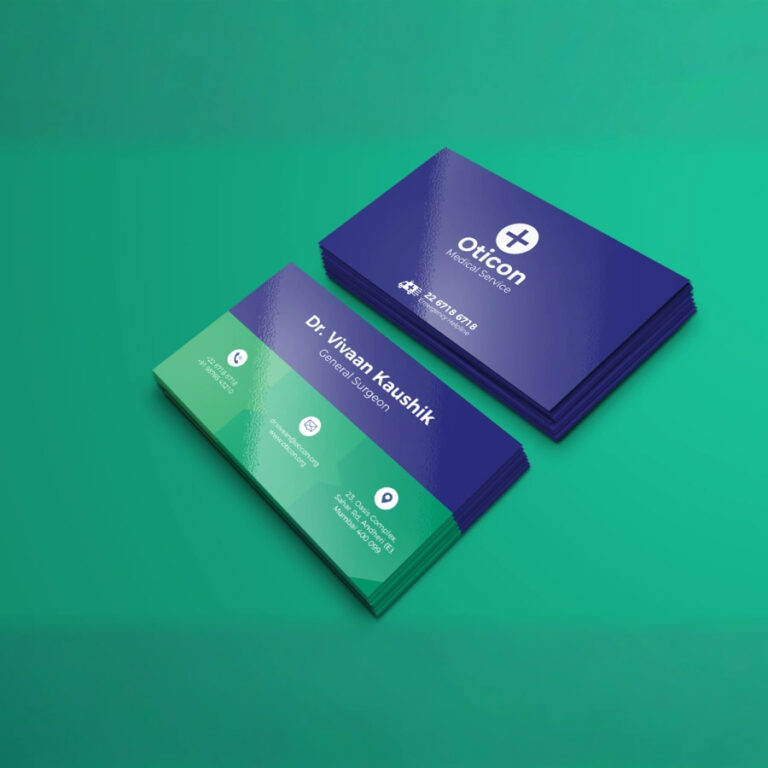
Please do not use the ISO Coated v2 (ECI) profile. Use the U.S. Web Coated (SWOP) v2 profile only for the best color output..
Upload Your Files
Upload Front File
Choose File
No file chosen
Upload Back File
Choose File
No file chosen
Spot UV Front File
Choose File
No file chosen
Spot UV Back File
Choose File
No file chosen
Raised Foil UV Front File
Choose File
No file chosen
Raised Foil UV Back File
Choose File
No file chosen
Embossed Side Front File
Choose File
No file chosen
Silver Foil Front File
Choose File
No file chosen
Gold Foil Front File
Choose File
No file chosen
Tips for Printing With Us
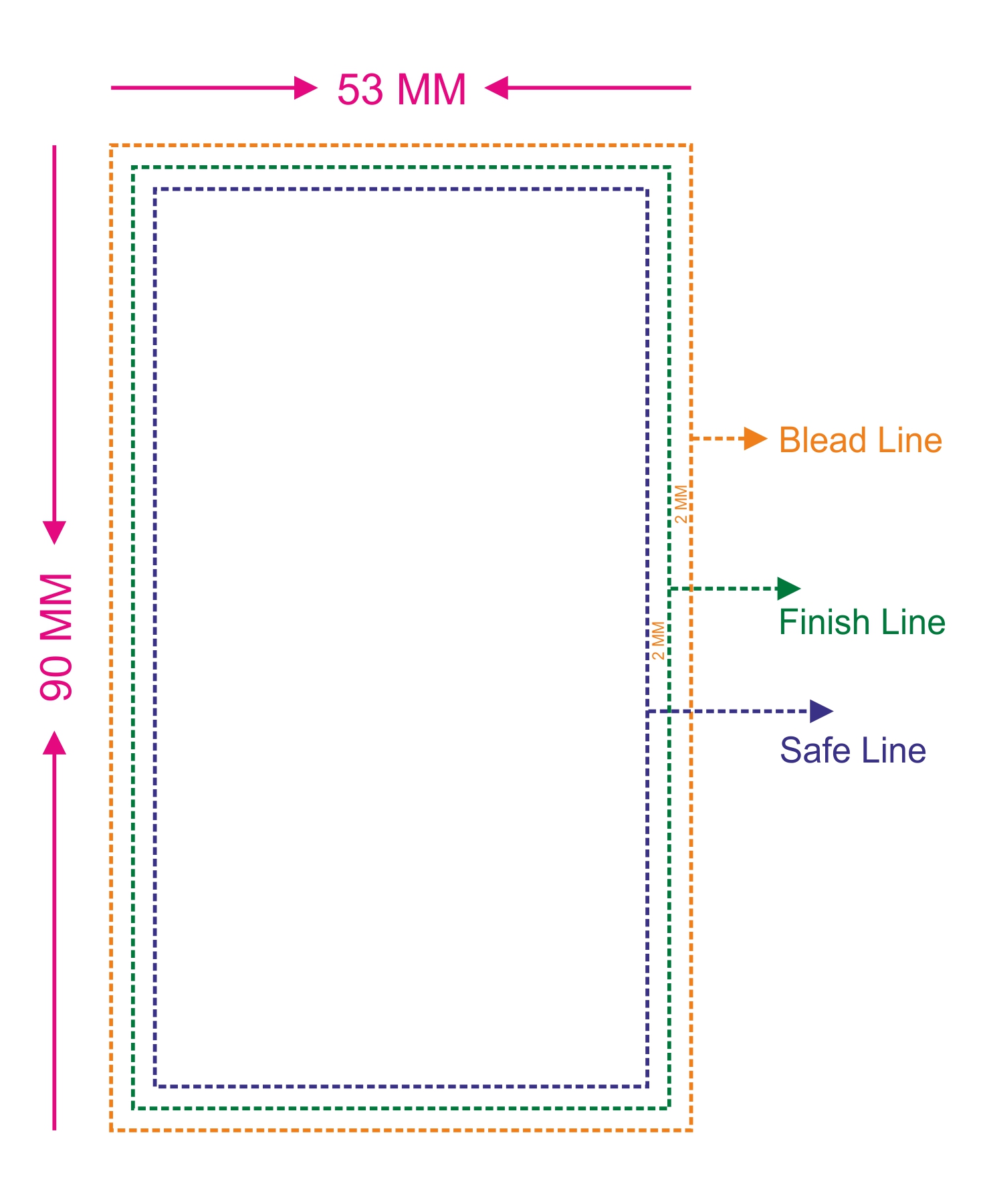
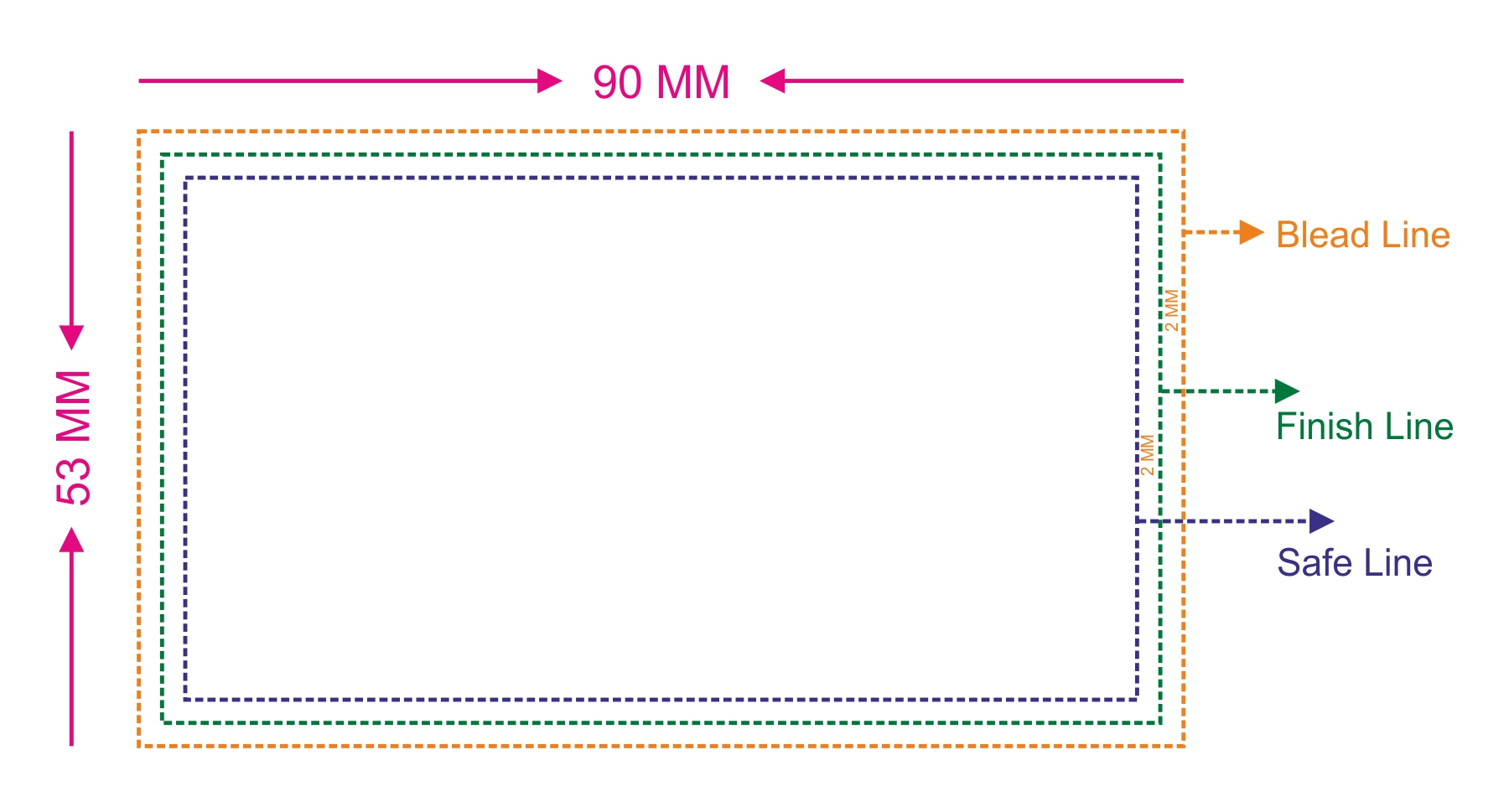
Bleed: 3.543″ (90MM) x 2.087″ (53MM)
Make sure that your background extends to fill the bleed to avoid your Business Cards having white edges when trimmed.
Trim: 3.386″ (86MM) x 1.93″ (49MM)
Your cards will be cut within this space. Keep important info away from the trim.
Safe Area: 3.229″ (82MM) x 1.773″(45MM) :
Keep all information with in the safety zone to prevent it from being cut off.
File Format Specifications
Resolution: 300dpi
File Types: You may upload a number of different file types: PDF, JPG, PNG.
PDF
JPG
PNG
Glossy Visiting Cards – Let Your Brand Shine
Let your brand sparkle with premium glossy visiting cards that deliver a vibrant, eye-catching finish. Designed to enhance colors and clarity, the glossy coating adds a smooth shine that instantly elevates your brand’s visual appeal.
Perfect for professionals and businesses, glossy business cards bring out rich colors, sharp details, and a polished look—making every card stand out in any setting.
High-gloss finish for a bright, reflective shine
Enhances colors with vivid and sharp print quality
Smooth surface for a sleek and modern look
Ideal for bold designs, images, and vibrant branding
Designed to Impress
Whether you’re networking, promoting your business, or sharing your contact details, glossy visiting cards ensure your brand looks vibrant, professional, and memorable. Their shiny finish makes every design pop with clarity and impact.
Tips for Printing With Us
Design Guidelines
Dimension shown on the design page includes bleed area (safety area), the final card size will be 8.9 cm x 5.1 cm
Stretch your design up to the Bleed area to avoid white borders appearing around your card. Keep all your information within the safety area.
File Upload Size – 90mm x 53mm
Choose fonts size 7 and above when using text
Choose bold fonts size 10 and above when using white text
Refer to instructions below on how to design and upload a UV design & Raised Foil design file
Bleed:
Bleed: 3.543" (90MM) x 2.087" (53MM)
Make sure that your background extends to fill the bleed to avoid your Business Cards having white edges when trimmed.
Trim:
Trim: 3.386" (86MM) x 1.93" (49MM)
Your cards will be cut within this space. Keep important info away from the trim.
Safe Area:
Safe Area: 3.229" (82MM) x 1.773"(45MM)
Keep all information with in the safety zone to prevent it from being cut off.
File Format Specifications
The design file must be provided by the customer.
Accepted file formats: JPEG, PDF, CDR, TIFF, and PSD.
Files in other formats will not be accepted.
Recommended resolution: 300 DPI for JPEG, TIFF, and PSD files to ensure high-quality printing.
PDF
JPG
PNG
Same Day Delivery Guidelines
Same Day Delivery is available for select pin codes in Chennai. To check eligibility, please refer to the list of supported pin codes.
If your pin code is not eligible, your order will be processed under Standard Delivery.
Place your order before 3:00 PM for same-day delivery. Orders placed after 3:00 PM will be delivered on the next working day.
Same Day Delivery orders will be delivered between 6:00 PM and 10:00 PM.
Please avoid combining Same Day Delivery and Standard Delivery products in a single order. If both are included, the order will be treated as Standard Delivery; however, eligible items may still be delivered on the same day.
Cash on Delivery (COD) is currently not available.
Need assistance? Our Customer Care team is here to help! 📞 786 800 5053
Select the fields to be shown. Others will be hidden. Drag and drop to rearrange the order.